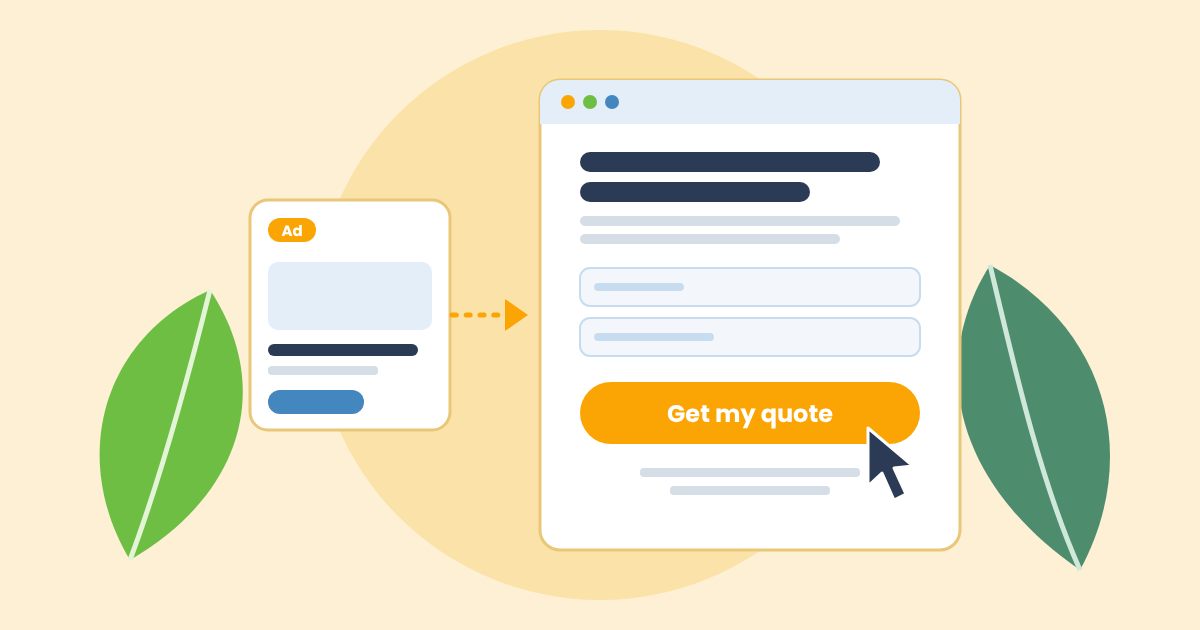
The median landing page converts 6.6%, according to Unbounce's Conversion Benchmark Report. The report analyzed more than 41,000 pages and 57 million conversions. That means roughly 93 of every 100 visitors leave without converting. If you're using digital marketing channels to drive them there, you paid for them all. Sobering thought, right?
With few exceptions, a landing page is what converts your visitors. And yet, many blame marketing tactics when their campaign doesn't reach projected goals.
In this post, we'll cover nine best practices for conversion rate optimization (CRO) on landing pages built for lead generation.
1. Know your audience
Start with the offer. What does your prospect want before they'll hand over their information? A downloadable asset, a price quote, a product demo, a free trial, a consult? Each offer should have its own page. Make sure the ad driving visitors there matches the offer on the page. A visitor who clicked "free quote" and lands on a page about your company history is gone in seconds.
Also, if a sizable portion of your audience speaks another language, build the page in that language. A translated afterthought won't seal the deal.
2. Write for a 7th grader
Most pages are written for the boss, not the buyer. Unbounce found that copy at a 5th to 7th grade reading level had an 11.1% median conversion rate. College-level copy had 5.3%.
It's easy to see why. Even a busy C-level executive skims between meetings, on a phone. Say what needs saying in the fewest plain words you can. Open with the visitor's problem, not your credentials. Run the page through Hemingway Editor and rewrite anything above grade 9. (This blog post is at a 6th grade reading level, BTW!)
3. Get to the point
A website tells a story. A landing page has one job. Remove the main nav, the footer links and anything else that gives visitors somewhere else to go.
Put the offer at the top of the page: what you offer, who it's for, what to do next. The only exception is a purchase that may require a lot of explaining. Even then, try to simplify with video, and keep the explaining below the first screen.
Remember: paid traffic belongs on a page built for it, not the homepage.
4. Use clear CTAs
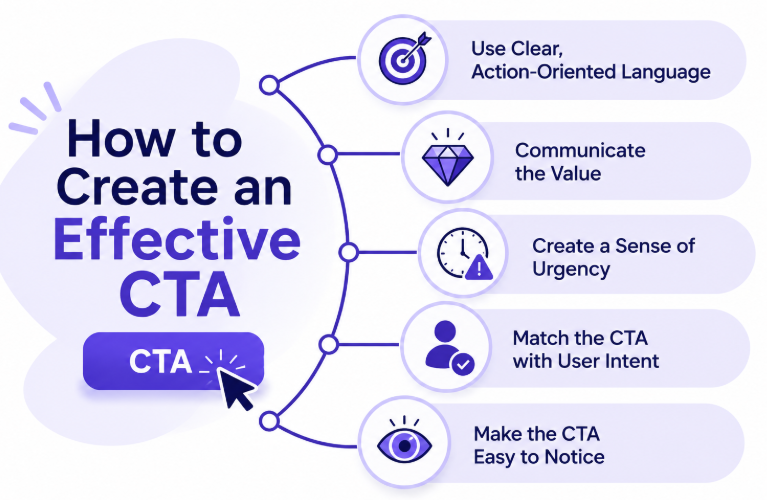
The CTA is the most important element on the page. It's the difference between action and inaction. Make it big, make it stand out, and put it where people see it without scrolling. Also make it specific. "Get my quote" or "Start your free trial" tells people what happens next. "Submit" does not.
Design it on a phone first. Unbounce counted 83% of landing page visits on mobile, yet desktop still converted 8% better. In professional services the gap was 40%. If your CTA was designed on a 27-inch monitor, that gap is probably yours too.
5. Create less complicated forms
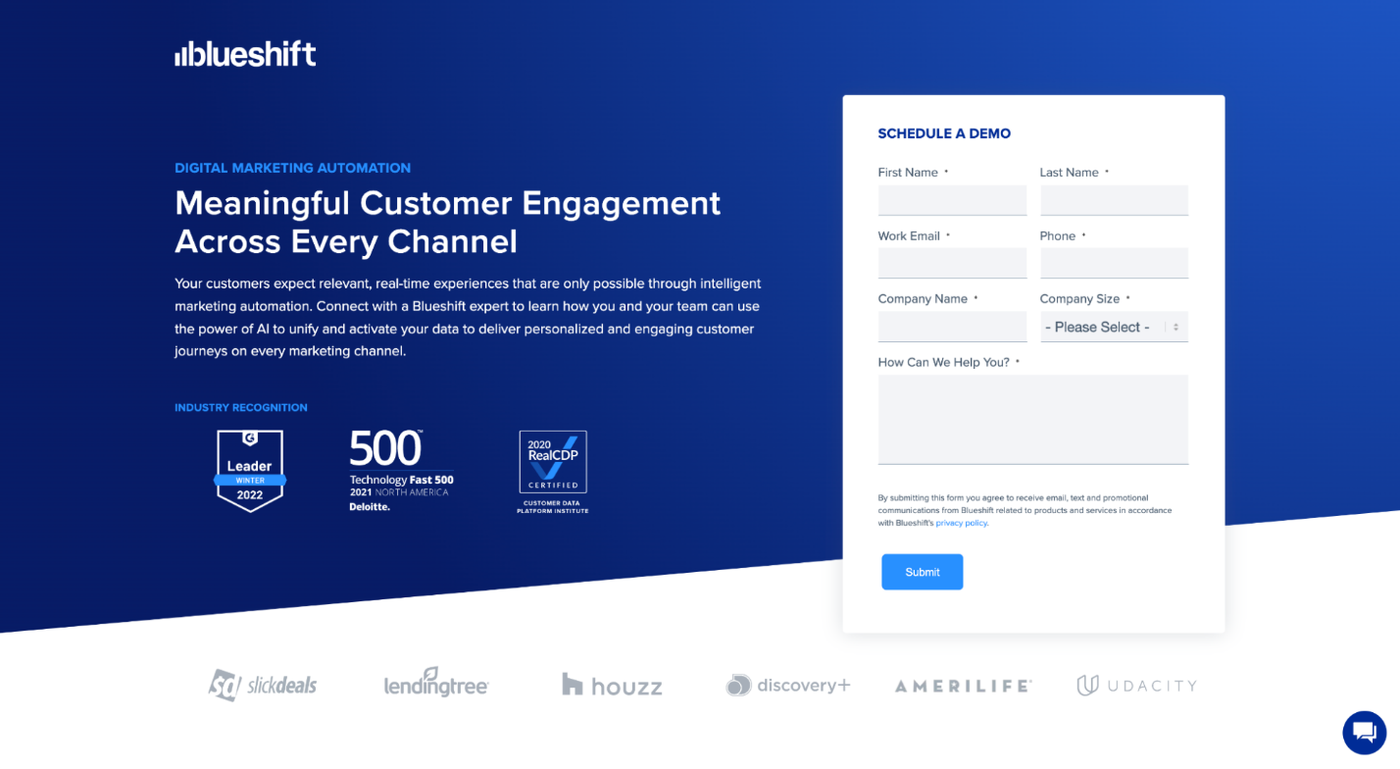
Every extra field is one more reason to leave. NP Digital's analysis of 404 landing pages found conversion falling from 8.1% at five fields to 7.6% at seven and 4.2% at nine or more.
A field either helps you reach the person (name, email, phone), qualifies them (location, timeframe, budget), or creates a potential barrier. Test deleting qualifiers. Our baseline is a name plus one way to reach them. Anything more must earn its spot.
Expedia once found a useless field the hard way. In 2010, its analysts found that a "Company" field on the booking form confused customers into entering the wrong address, and many dropped off after clicking Buy Now. Deleting the field was worth about $12 million a year in profit.
6. Test your forms
There's an exception to #5, though. A shorter form lets in more people, including some who were never going to buy. Say the long form gets 200 leads and 10% become sales: 20 sales. The short form gets 300 leads, but only 5% close: 15 sales.
At the same spend, the short form's CPL is a third lower but its cost per sale is a third higher. Since marketing doesn't typically control the sale, it may be worth asking Sales which version produces qualified leads, and agreeing on how much lead quality is worth trading for a lower CPL.
7. Show errors clearly
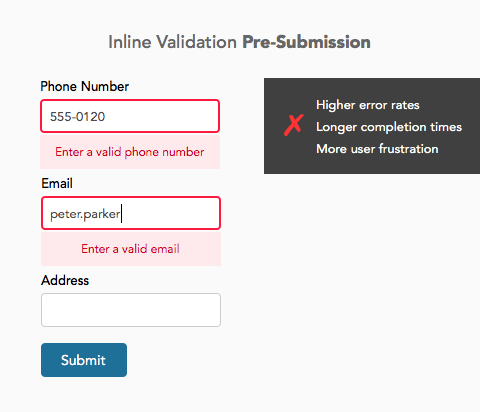
One more point on forms. Ever hit submit and watched nothing happen? Or typed for two minutes, then gotten four errors at once? Mistakes happen, but what matters is how fast people can recover from them.
Validate each field when the person leaves it, not mid-typing, and clear the error the second it's fixed.
8. Speed up the page
A slow page loses people before they see your offer. A Portent study of more than 100 million page views found that B2B sites loading in one second converted at 3x the rate of sites loading in five.
Some important tasks to address to improve page speed:
- Compress images.
- Minify code.
- Turn on caching.
- Remove scripts and pixels you don't use.
- Use better hosting.
9. Keep testing
Once the page is live, test. We prefer A/B tests to multivariate tests because one change is easy to read. Test the headline, the CTA, a field, the image. Use heat maps and scroll maps (Crazy Egg is one tool) to see where people click and where they stop reading, then test what you find.
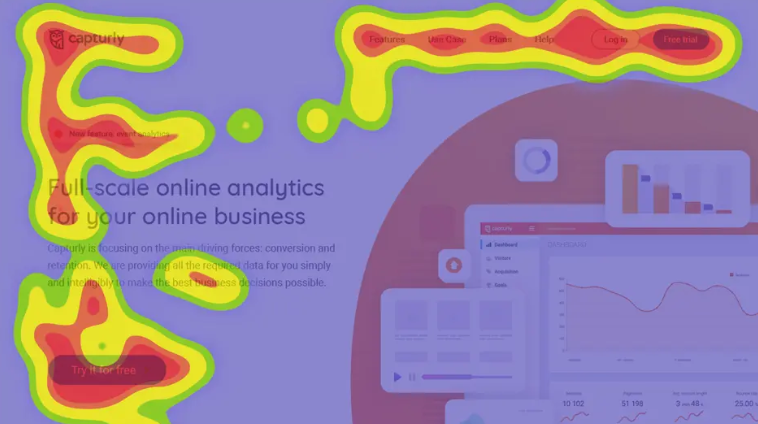
Judge the winner by what happens after the form. Ad platforms optimize toward whatever you call a conversion, and bots count too. Thales' 2026 Bad Bot Report put bots at 53% of web traffic in 2025, and a bot's submission can register as a conversion like anyone else's. Tag every lead with UTMs and the click ID, store them in your CRM, and send the qualified or sold stage back to the platform. Google says enhanced conversions for leads measure about 10% more conversions on average than standard offline imports. (Said differently, better matching, not more leads.)
Also, starting June 15, 2026, offline conversion imports and enhanced conversions for leads uploads move to Google's Data Manager API. If your CRM connector still uses the old route, confirm your qualified leads are still landing in Google Ads.
Bottom line: Your page is typically what converts, not the ad. And if you want a second set of eyes on where leads leak between the click and the close, schedule a call or send us an email.